The EdBuild AI MCP connects Claude, ChatGPT, Copilot, Mistral and your favorite AI assistants to your e-learning courses. Create, update and manage everything in natural language, without switching tools.
Just ask. EdBuild AI handles it. Here are four examples of what your AI assistant can do once connected to the EdBuild AI MCP.
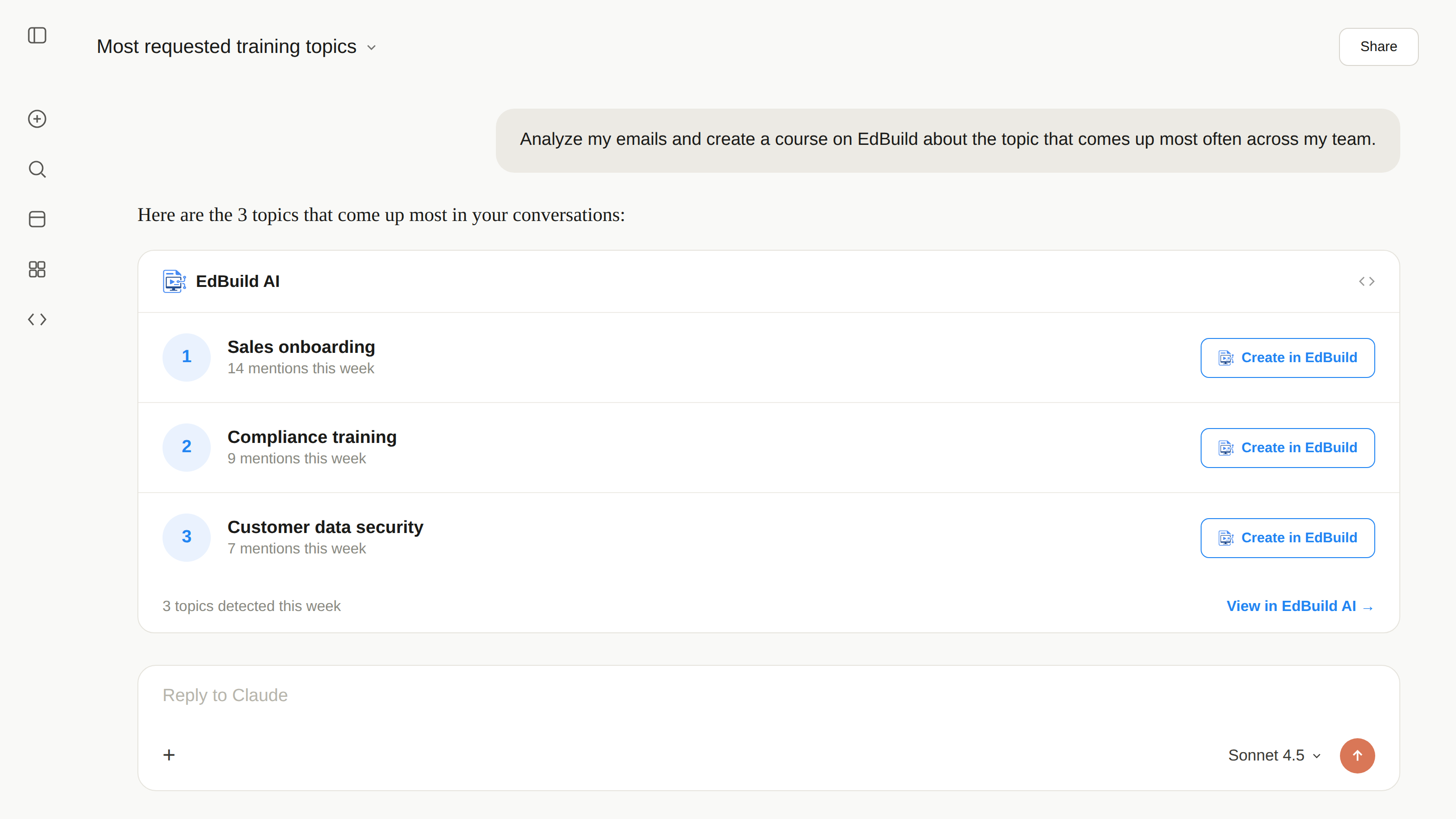
Your AI assistant scans your conversations, spots the most requested training topics and starts creating them in EdBuild AI, ready for you to approve.
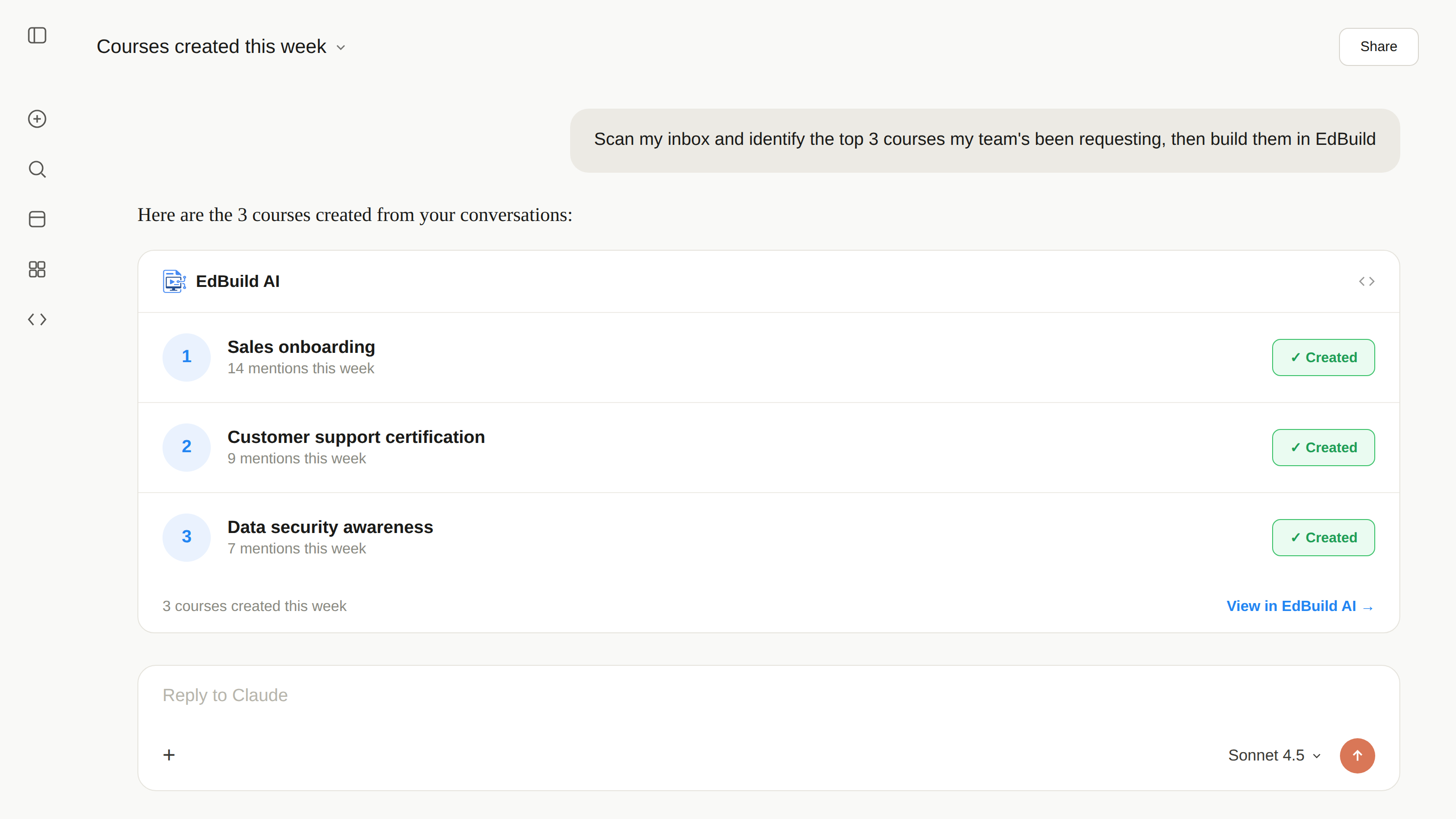
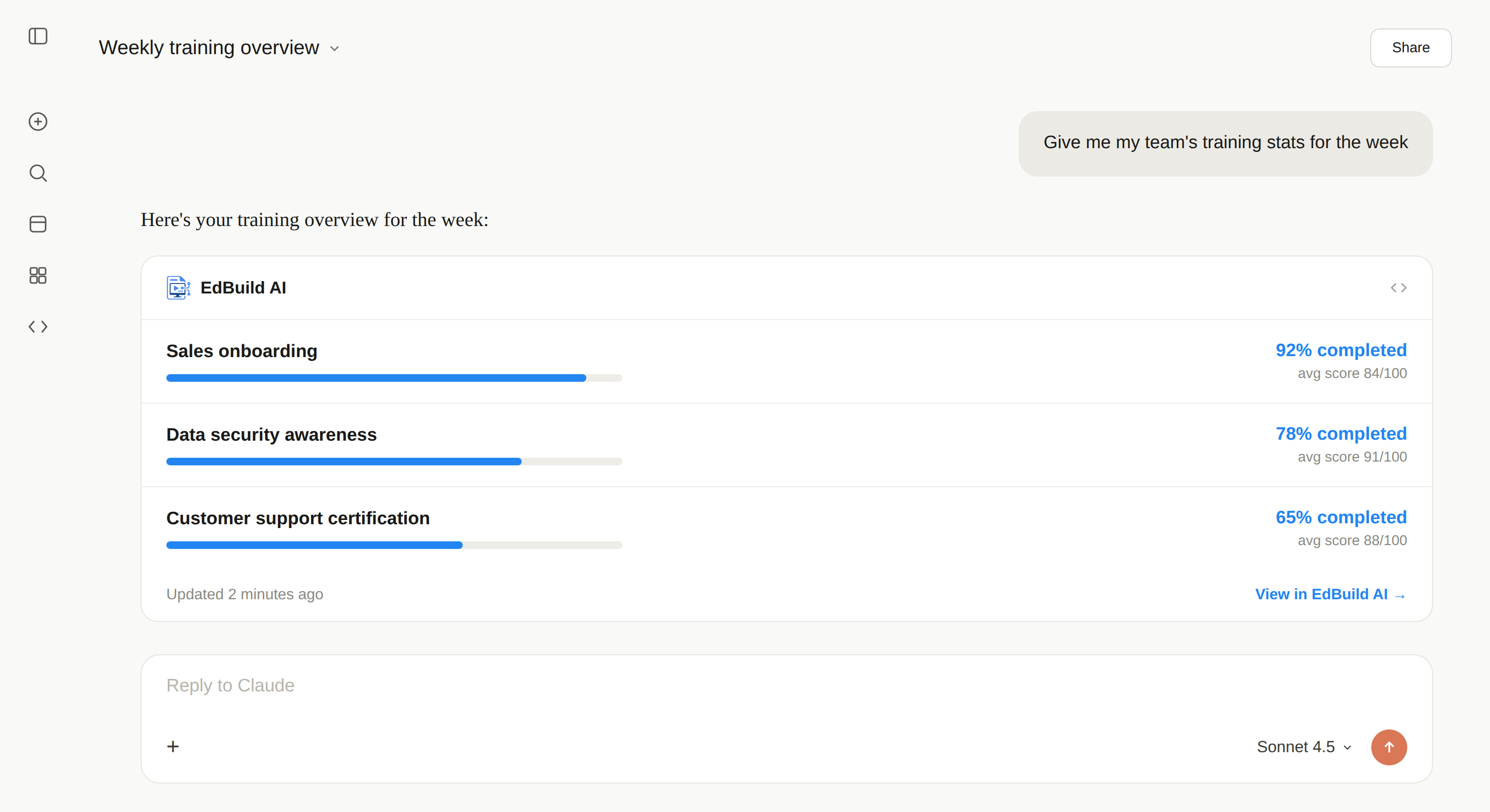
Ask for this week's numbers and your AI assistant replies with completion rates, scores and courses in progress, in a single message.
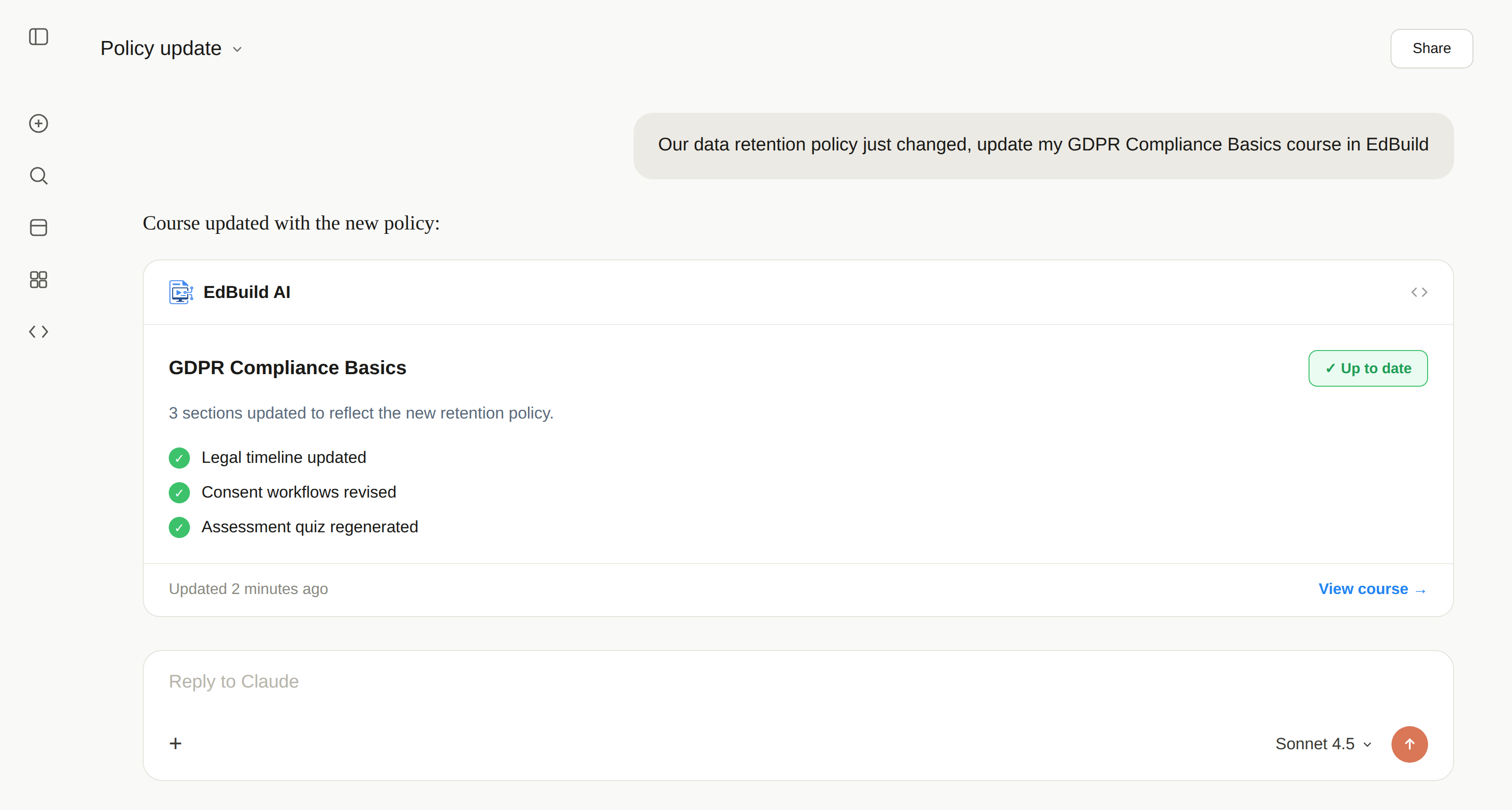
Flag a change to your AI assistant: it finds the right module and updates it in EdBuild AI, so your teams are trained without delay.
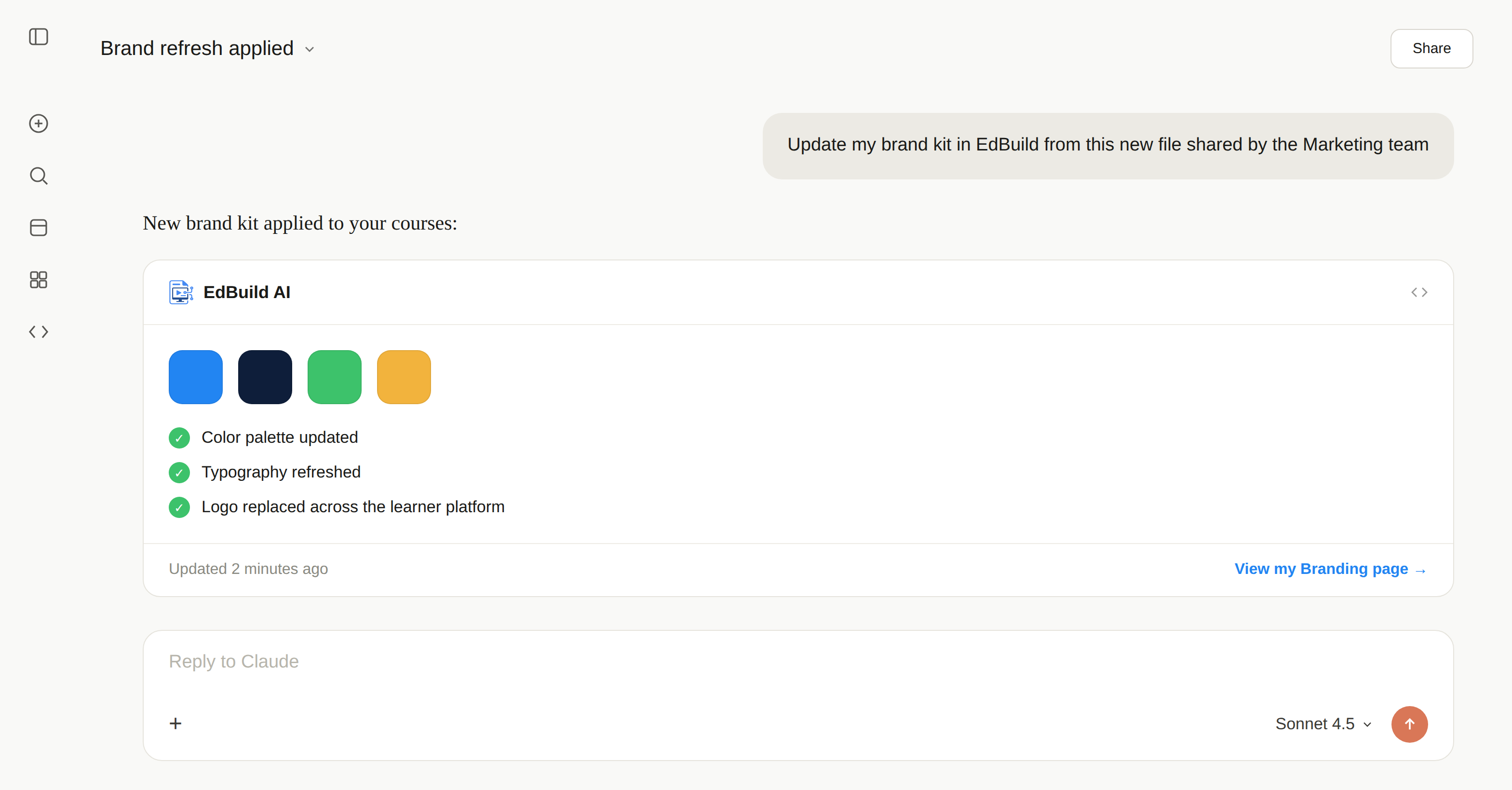
Share your new brand file and your AI assistant updates colors, fonts, and logo across your courses and learner platform.
MCP (Model Context Protocol) is the open standard that lets your AI assistant, Claude, ChatGPT or another, connect directly to your business tools to take action, not just talk about it. In practice, the EdBuild AI MCP lets you run your courses from the chat: create, update and track, with your real EdBuild AI data, live, without switching tools.
The EdBuild AI MCP exposes a set of actions: create a course, update a module, check your learners' statistics, which your AI assistant can call on demand. You describe what you need in natural language, the assistant triggers the right action, and the result is based on your real courses.
Before, your AI assistant could only explain how to create a course in EdBuild AI. With the EdBuild AI MCP, it creates it for you, on request. That is the difference between an AI that talks about training and an AI that actually does it.
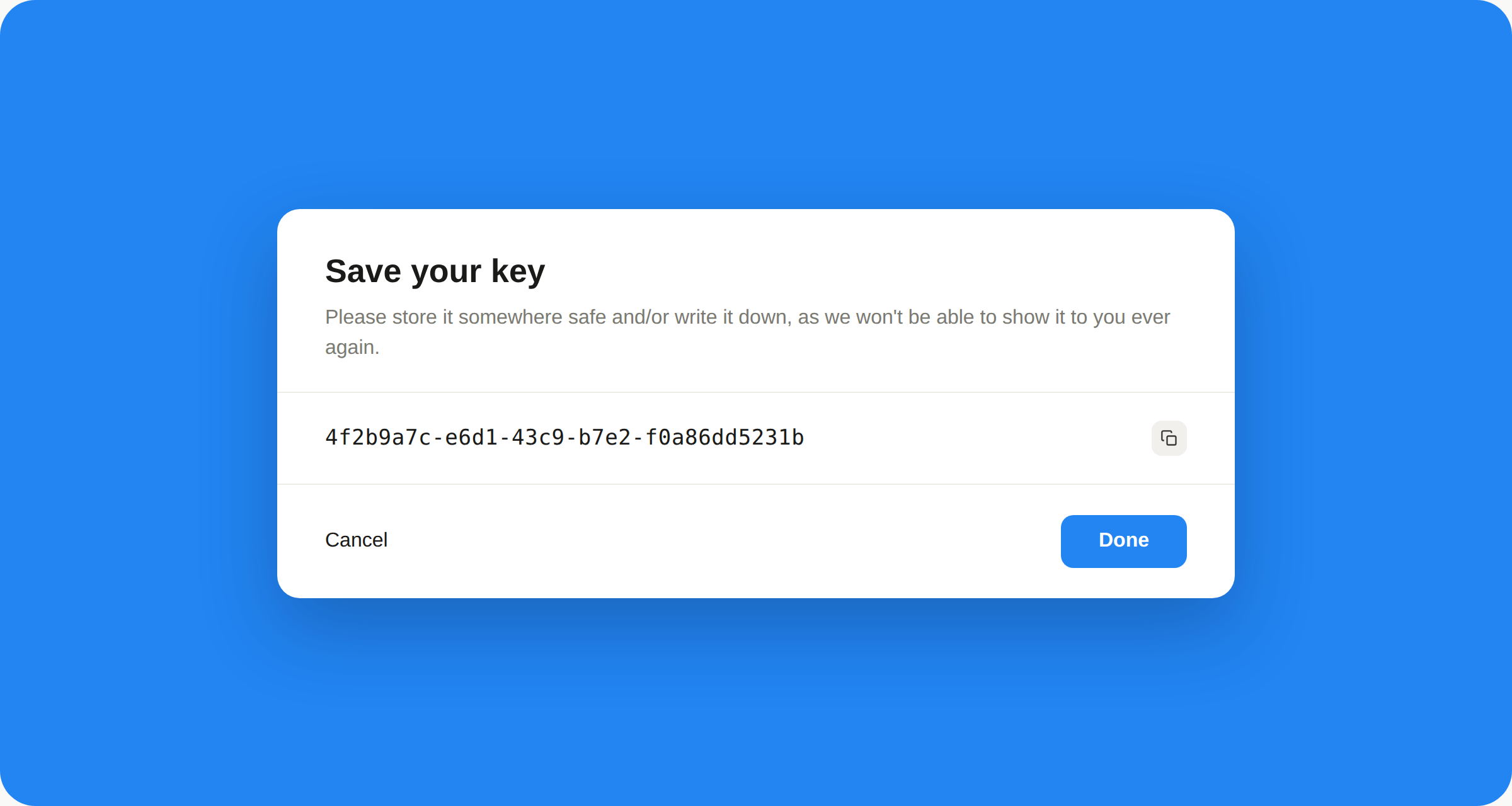
In EdBuild AI, open Settings > MCP Connector and copy the server address. Is your AI already listed, like Claude? Connect it in one click.
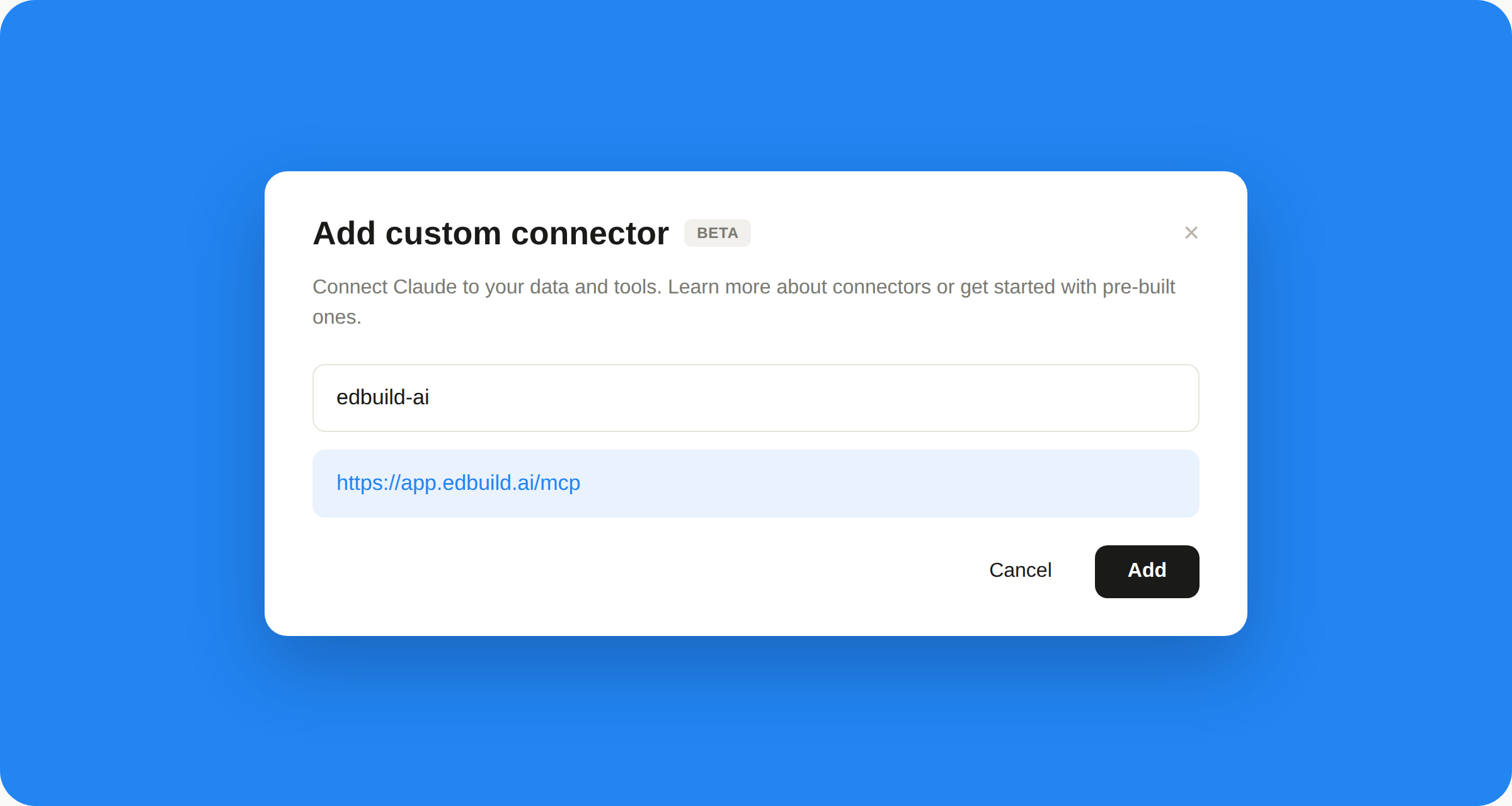
Paste the MCP server URL into Claude, ChatGPT, Mistral or your favorite MCP client. Setup takes under 2 minutes.
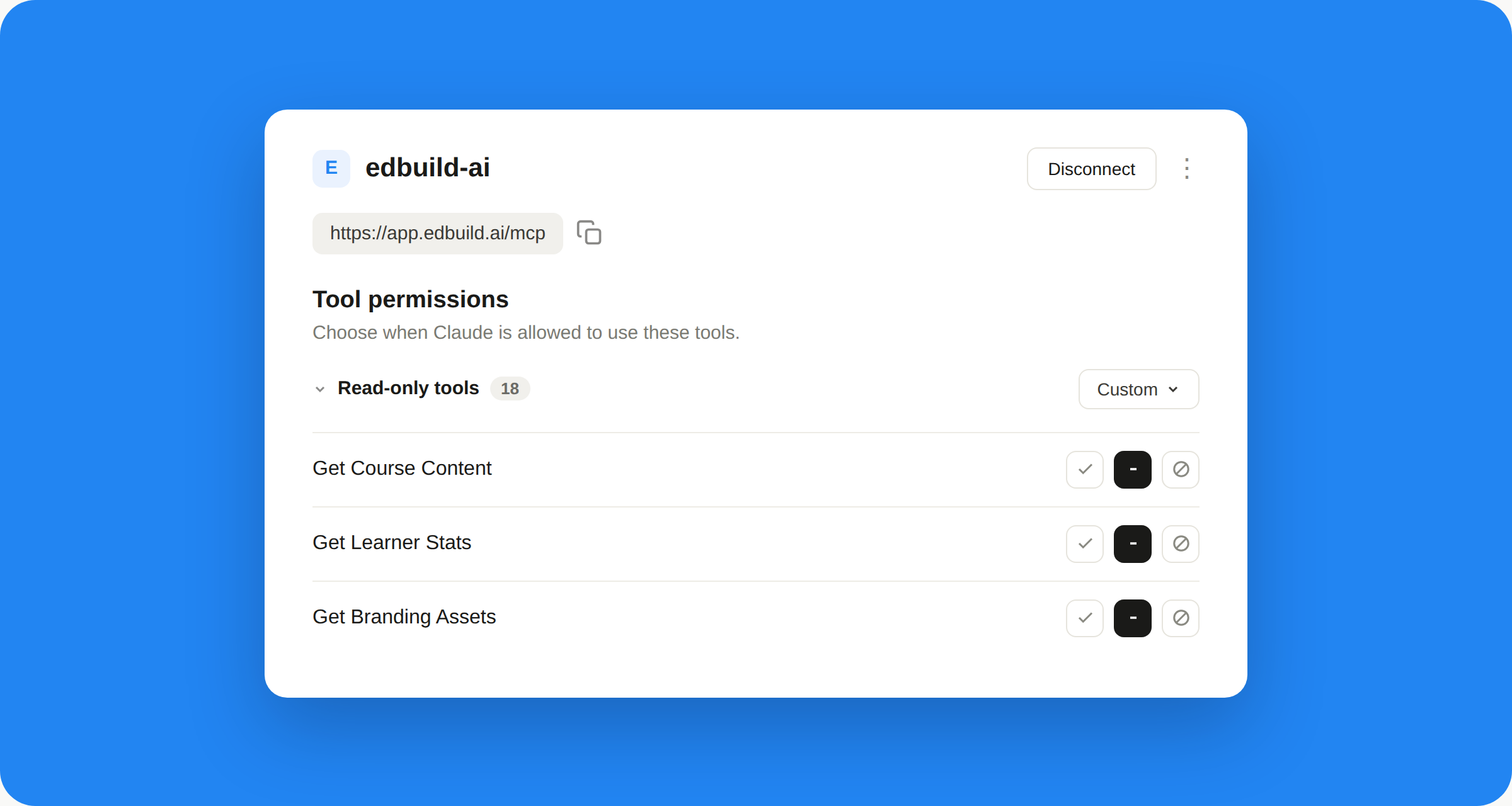
Read, write or delete: allow each EdBuild AI tool one by one, always, on request or never. You stay in control.
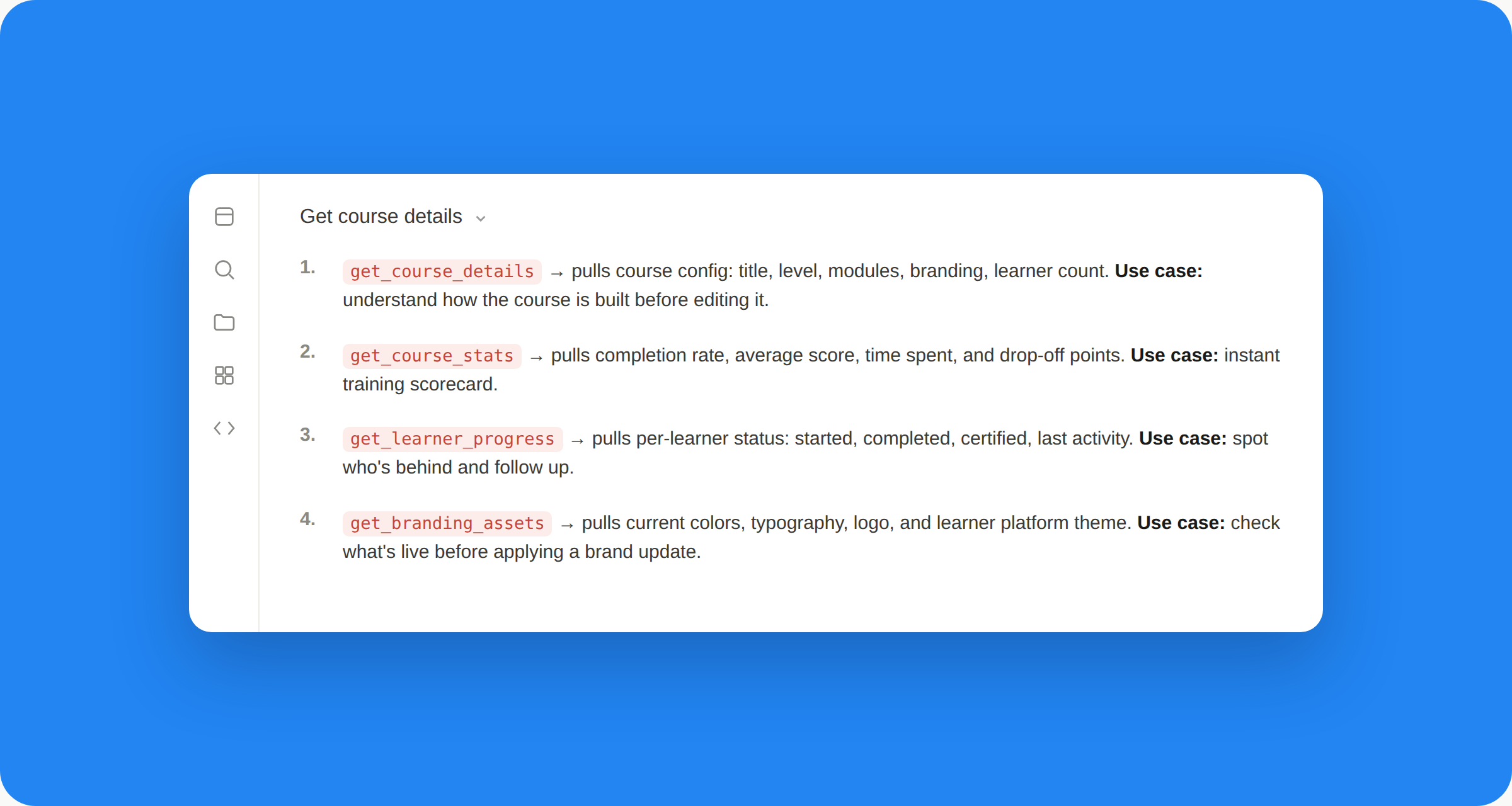
Stop clicking through the dashboard. Describe what you want, such as “Summarize the results of the Sales onboarding course” or “Update the logo on all my courses”.
❓ Frequently asked questions
Everything you need to know about connecting your AI assistant to EdBuild AI.
A connection that lets your AI assistant act directly on your EdBuild AI account: create, update and review, based on your natural-language instructions.
Claude, ChatGPT, Copilot, Mistral, and any client compatible with the MCP standard.
No. Setup takes just a few minutes, with no coding required: paste the MCP server address into your AI assistant, or connect it in one click if it's already listed, and you're ready to go.
Create and update courses, check learner progress and stats, or apply your brand guidelines, always with your approval.
Yes. Your content is never used to train an AI model, you keep full ownership of it, and everything is hosted in France (EU) on Scaleway, in compliance with GDPR.
No. MCP is an accelerator: it saves you time on repetitive tasks, while your trainers and instructional designers stay in control of the content.
